cff
Showing posts with label Photography. Show all posts
Thursday, 10 April 2014
Photographs Edited
I have finished Photoshopping my tracking markers out of the photographs and have straightened them all up using the rulers in Photoshop. This is how they look now. I have a couple that are really similar so I may choose between them instead of using both.
Wednesday, 9 April 2014
Tracking Update
Today Phil and I had a chat about what had been going on with my tracking. We came to the conclusion that at this point in time continuing to try and track footage that Matchmover was not responding to very well would not be the most productive of things to do in the amount of time left on the project as there is no guarantee that it will eventually track correctly being that the quality is not very good.
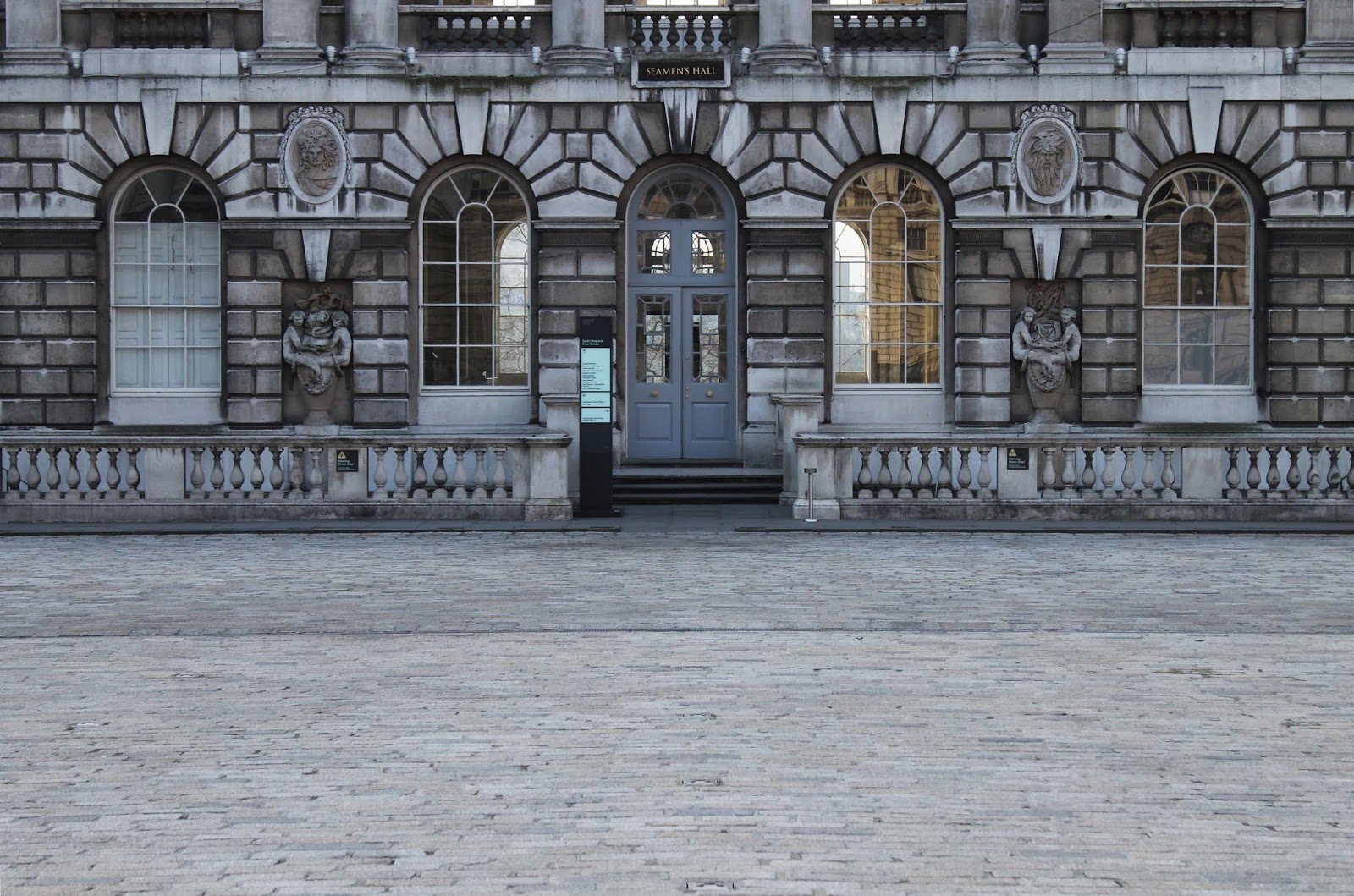
Instead, I will be using the much better quality photographs I took while at Somerset House to set my garden in. Of course the animation of my objects, the sound-scape and everything else I intended to do to my footage to make the garden as authentic as possible will still feature in the stills, the only change is that there is no camera movement now. This is something I intend to try and achieve in After Effects.
These are all of the photographs I captured at Somerset House, I'm glad to say I managed to get one for each corner and side so I should be able to do a lot with them. The only thing I need to do to them is Photoshop my tracking markers and equipment out because even with the chance of covering them with objects, there is still the possibility that not all of them will be covered or that they will be covered with translucent objects.
Another thing might be to crop and straighten some of them up a bit because a few are noticeably wonky which is a bit off putting to look at.
Instead, I will be using the much better quality photographs I took while at Somerset House to set my garden in. Of course the animation of my objects, the sound-scape and everything else I intended to do to my footage to make the garden as authentic as possible will still feature in the stills, the only change is that there is no camera movement now. This is something I intend to try and achieve in After Effects.
These are all of the photographs I captured at Somerset House, I'm glad to say I managed to get one for each corner and side so I should be able to do a lot with them. The only thing I need to do to them is Photoshop my tracking markers and equipment out because even with the chance of covering them with objects, there is still the possibility that not all of them will be covered or that they will be covered with translucent objects.
Another thing might be to crop and straighten some of them up a bit because a few are noticeably wonky which is a bit off putting to look at.
Friday, 4 April 2014
HDR Complete
It's been a bit crazy trying to sort this out but with Alan's help I can now say it is ready to be used in maya!
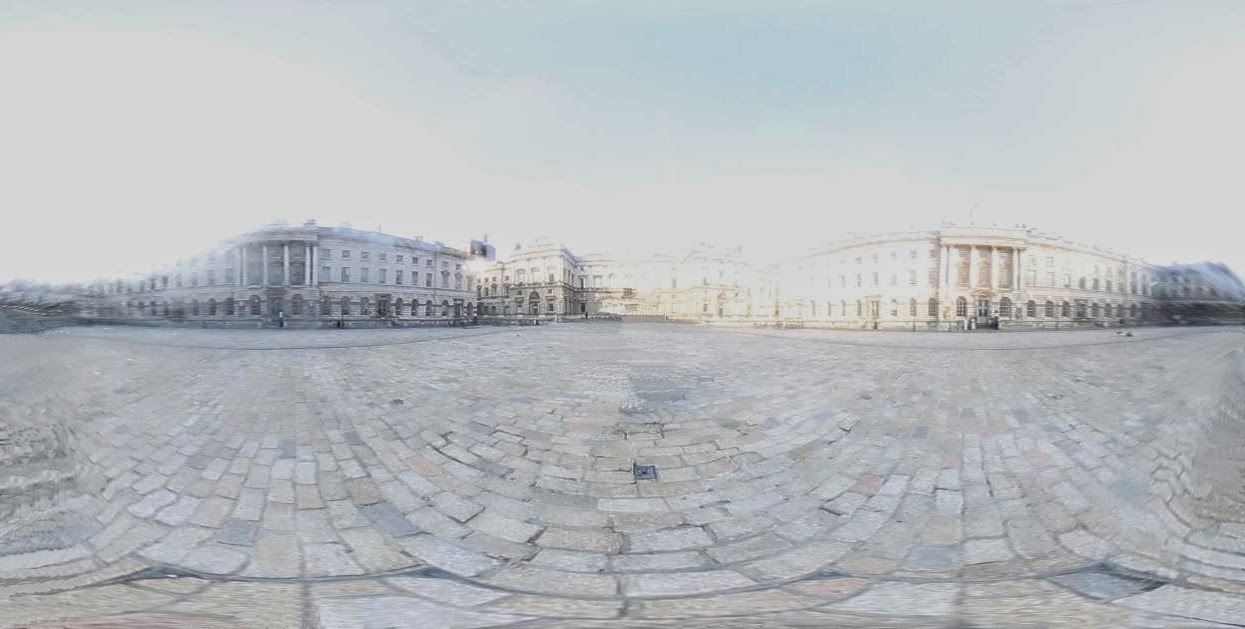
Merging all of the previous photoshopped photographs in Photoshop using the tool, merge to HDR Pro gave this result which you can adjust.
Alan then tried it out in Maya for me using image based lighting and the only issue seemed to be the seam of the globe which I will have to be careful with due to not wanting reflections to catch the seam in them.
Wednesday, 2 April 2014
Unwrapped Chrome Ball Photographs Photoshopped
I have now photoshopped myself and the distortion out of my photographs and am ready to put them together into a final HDR image. I have tried following a couple of tutorials to create one in Photoshop but have found that I don't end up with the result I should have so I will have to talk to Alan about this.
Tuesday, 1 April 2014
Chrome Ball Photographs Unwrapped
Now that I'm all set to start bringing everything into maya I needed to arrange my chrome ball photograph into a HDR image. An important step is unwrapping the images in HDR Shop but before this can be done the images must be cropped in photoshop so that only the chrome ball reflection is showing. (See below)
I have now unwrapped my photographs, the next step is to photoshop myself out and fix the edges of the images.
Lowest (-3)
Low (-2)
Low (-1)
Middle (0)
High (1)
High (2)
Highest (3)
Sunday, 3 February 2013
Primary Research: The London Transport Museum
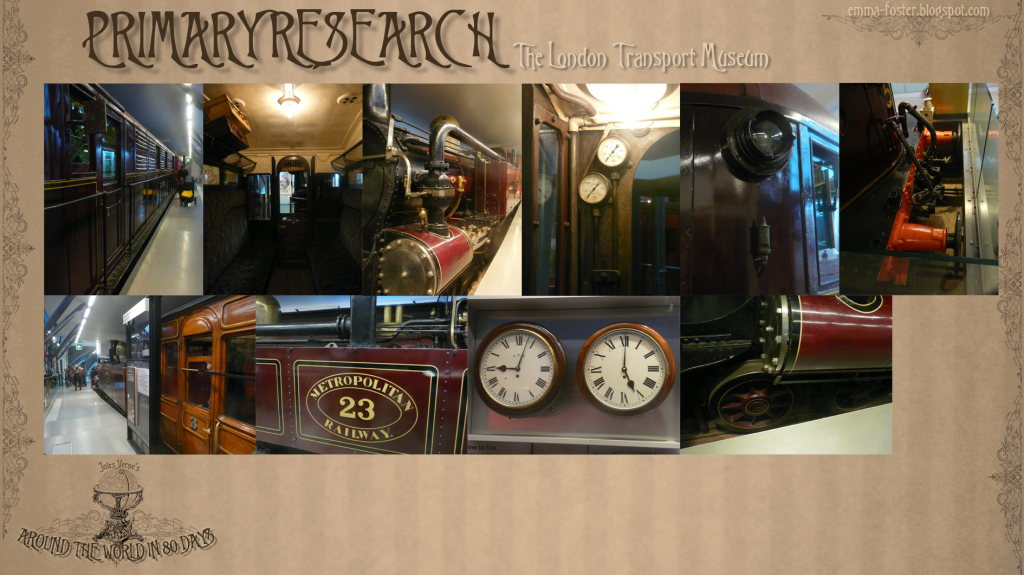
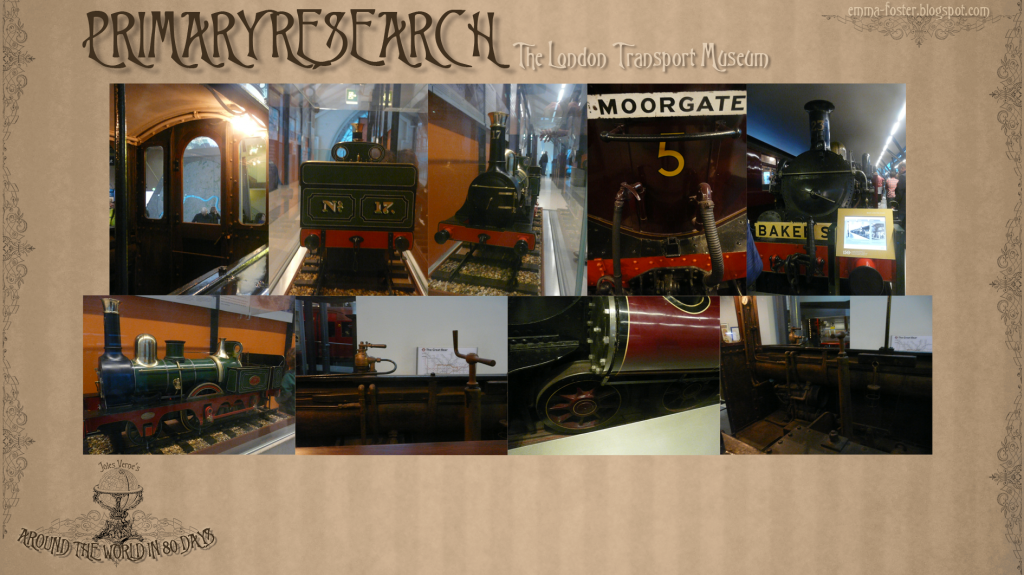
Last weekend I visited the London Transport Museum to look at transport during the 1800s especially the trains so that during my adaptation I would stay historically accurate. I forgot to upload the photographs I took while I was there but I also didn't know that the visit would also come in handy as reference for attraction layouts.
Saturday, 19 January 2013
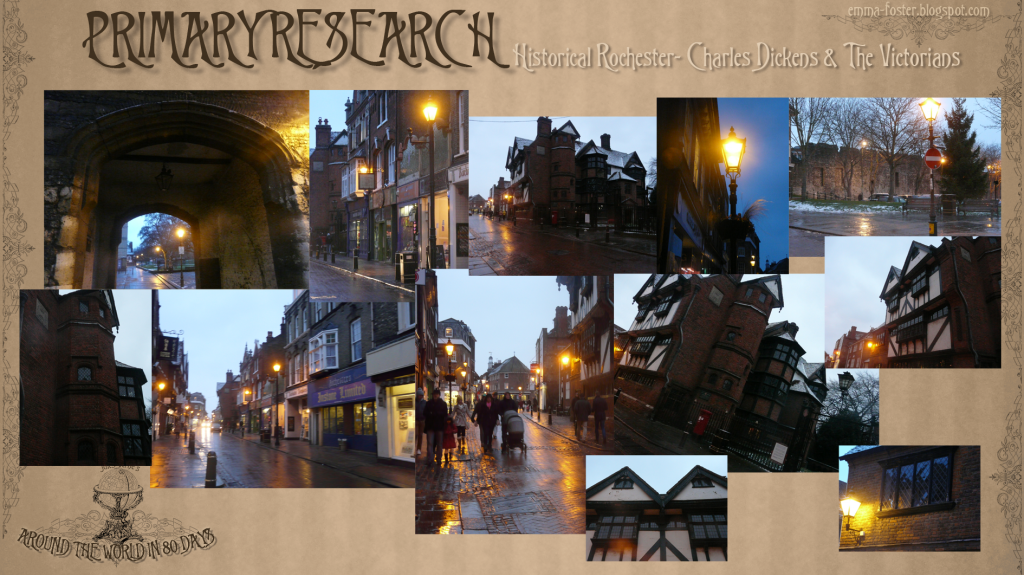
Primary Research: Historic Rochester
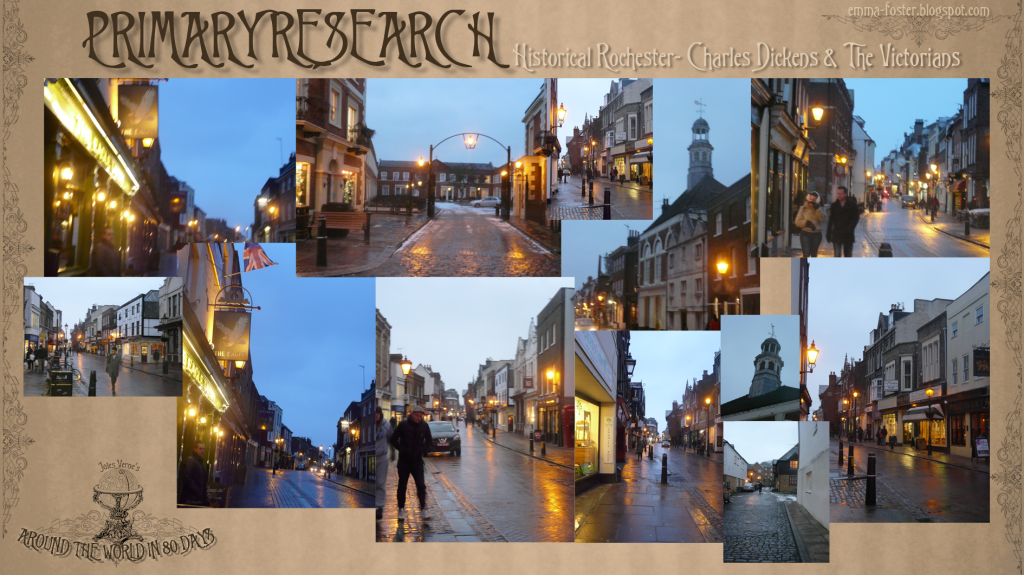
Because 'Around the World in 80 Days' is set during the Victorian era I thought it would be appropriate to research into areas of Victorian streets and buildings. I then remembered we have Charles Dickens and Victorian history right here in Rochester so what better way than to get up close and see it with my own eyes!
I took quite a few images of Victorian elements down the Rochester high street while I tried to bare the cold weather. I think these will be really useful to put myself in this timezone even if I don't design a digital set of a British Victorian street and also because these structures follow other parts of Victorian design.
Subscribe to:
Posts (Atom)


+For+HDR+Shop.jpg)
+Unwrapped.jpg)
+Unwrapped.jpg)
+Unwrapped.jpg)
+Unwrapped.jpg)
+Unwrapped.jpg)
+Unwrapped.jpg)
+Unwrapped.jpg)