cff

Friday, 1 November 2013

Test Model Garden Layout 1

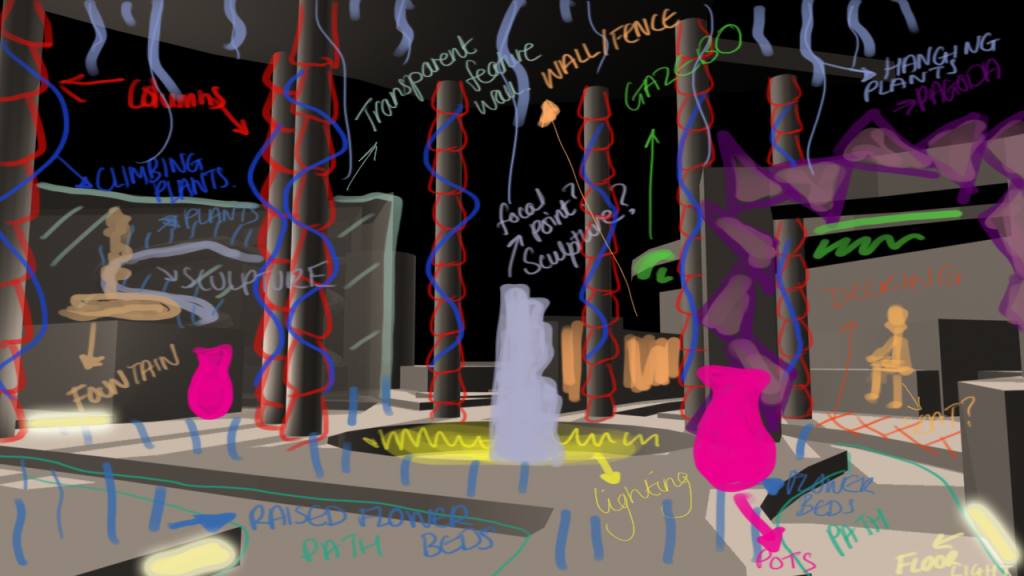
I have taken one of my camera shots into photoshop and worked on top of it to label parts as what they possibly could be. This has helped me call this image a 'space' rather than just a ground plan and working out which features of a garden go where will allow me to design these elements to fit. It was most important to get the layout down first rather than design little parts so I will update this post with the rest of this test model at different sections and with parts labelled.
I will then continue doing this for the rest of my ground plans to see which one has the most potential to carry forward.

Thursday, 31 October 2013

Test Model Camera Shots

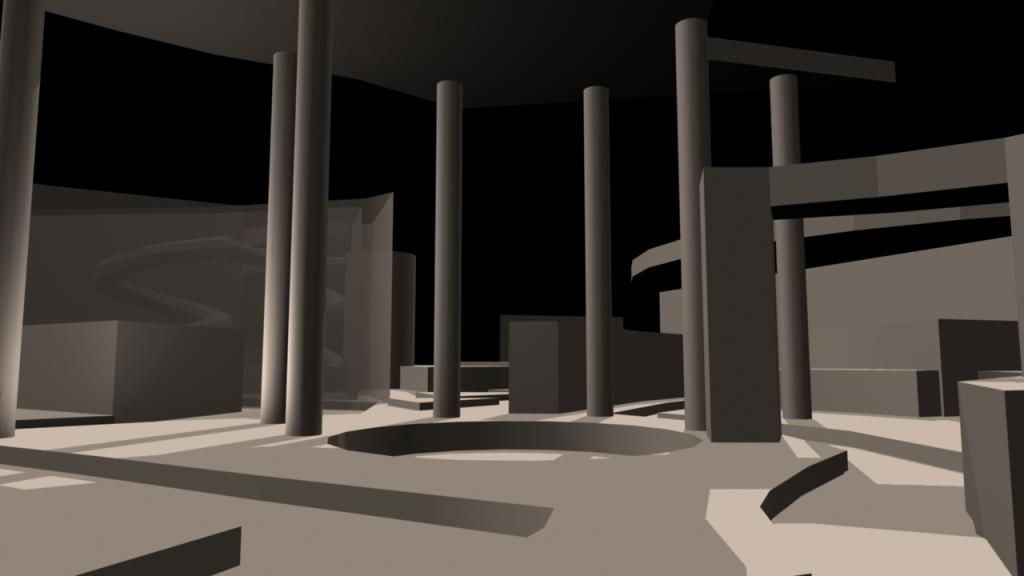
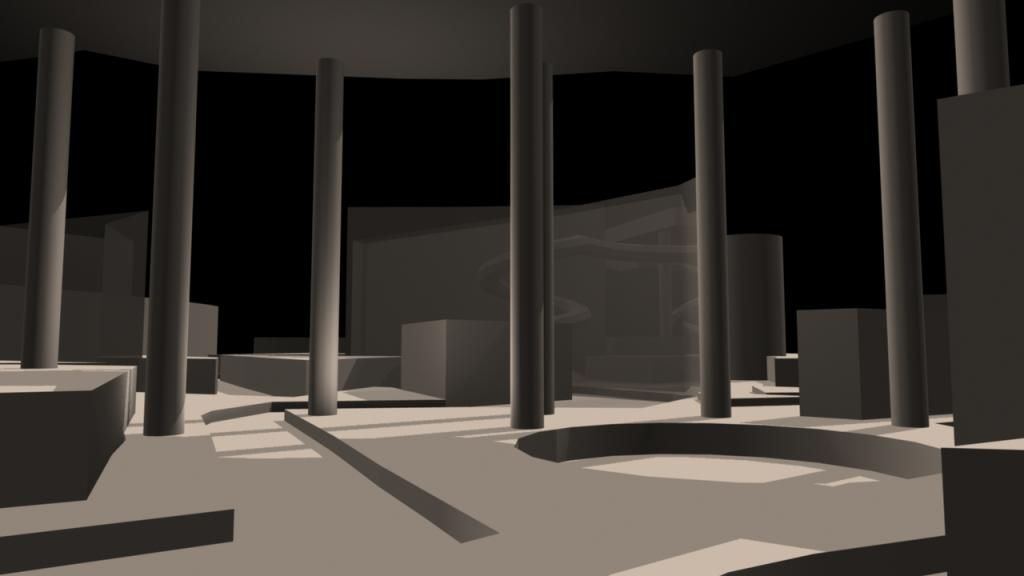
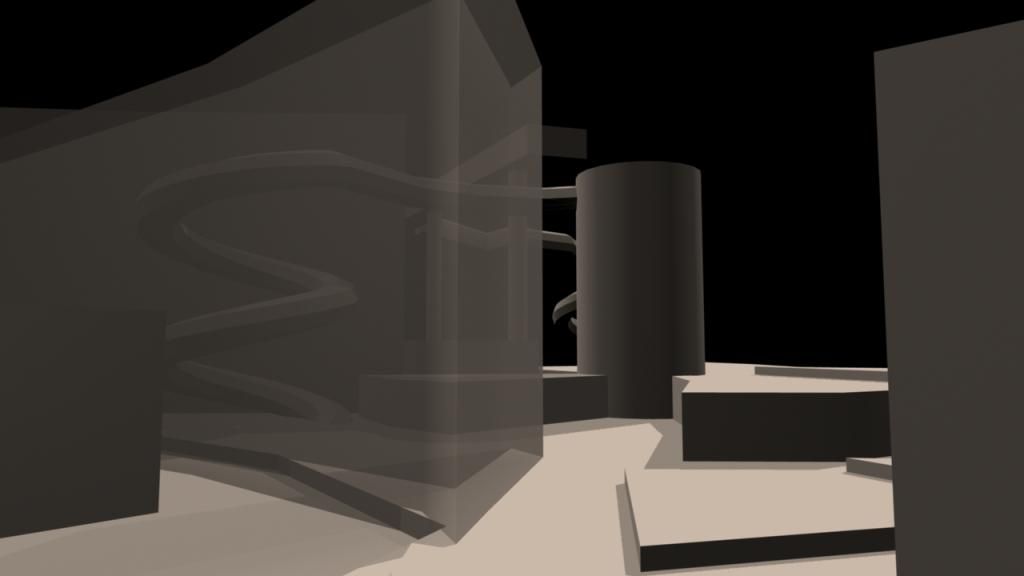
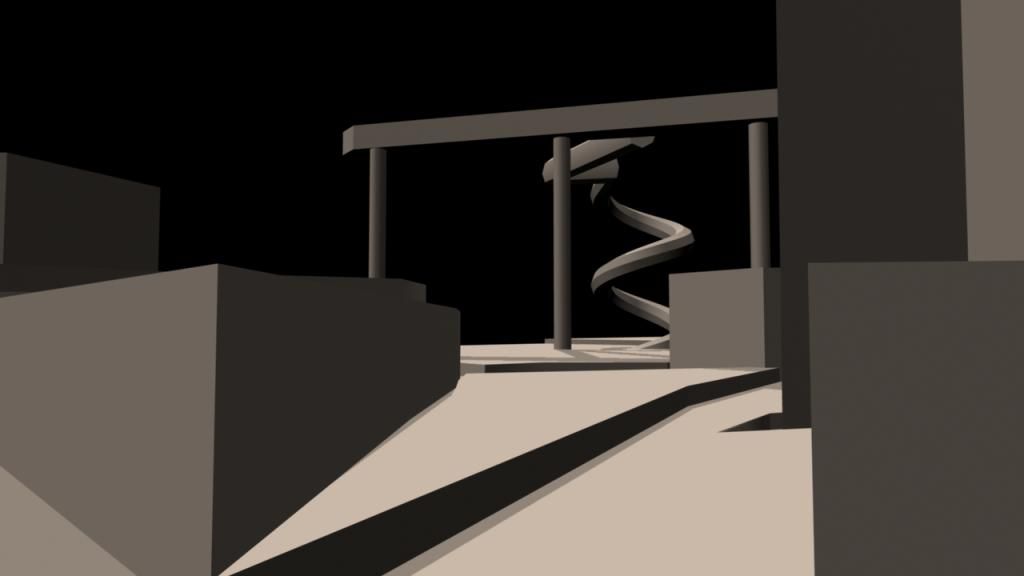
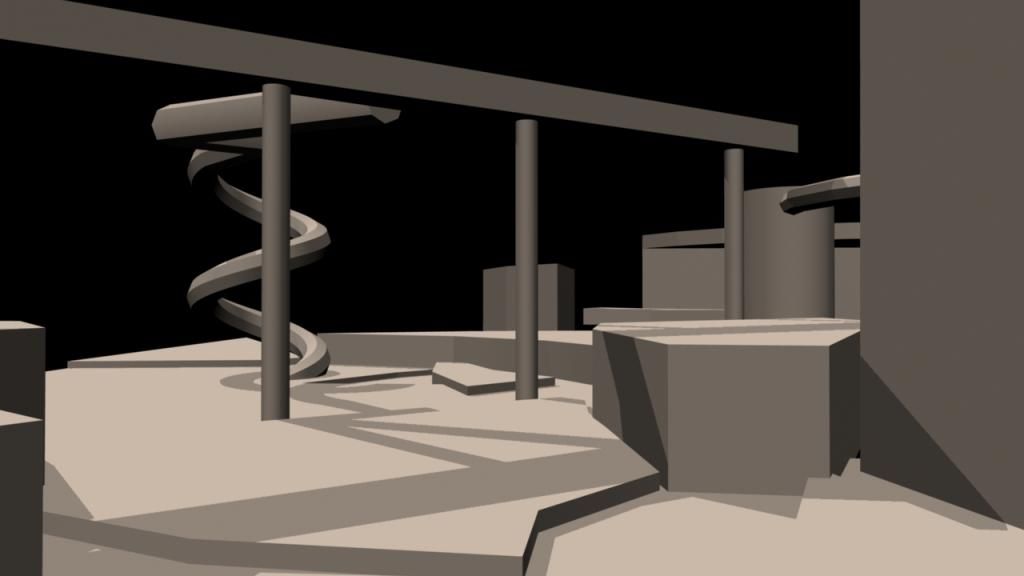
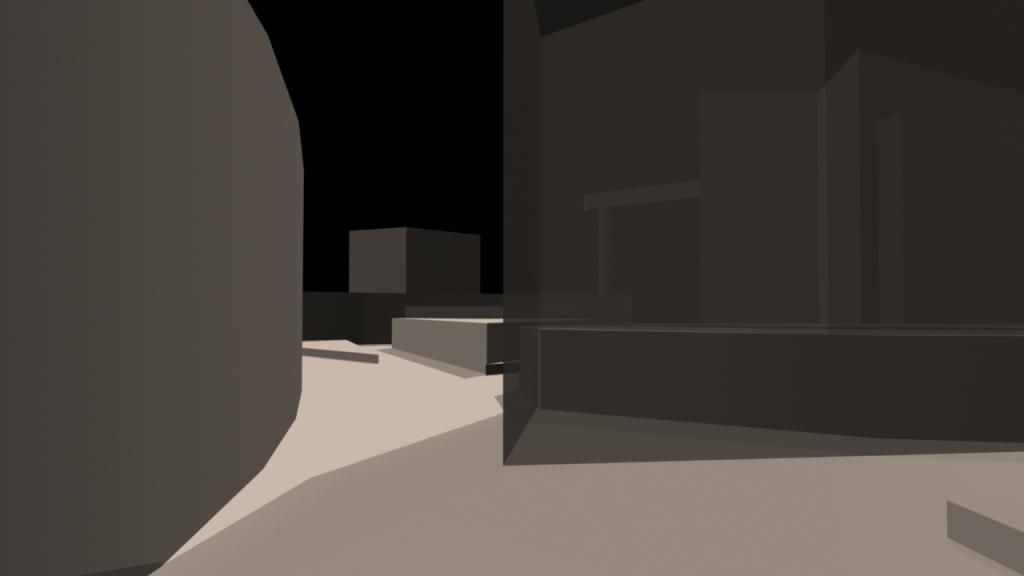
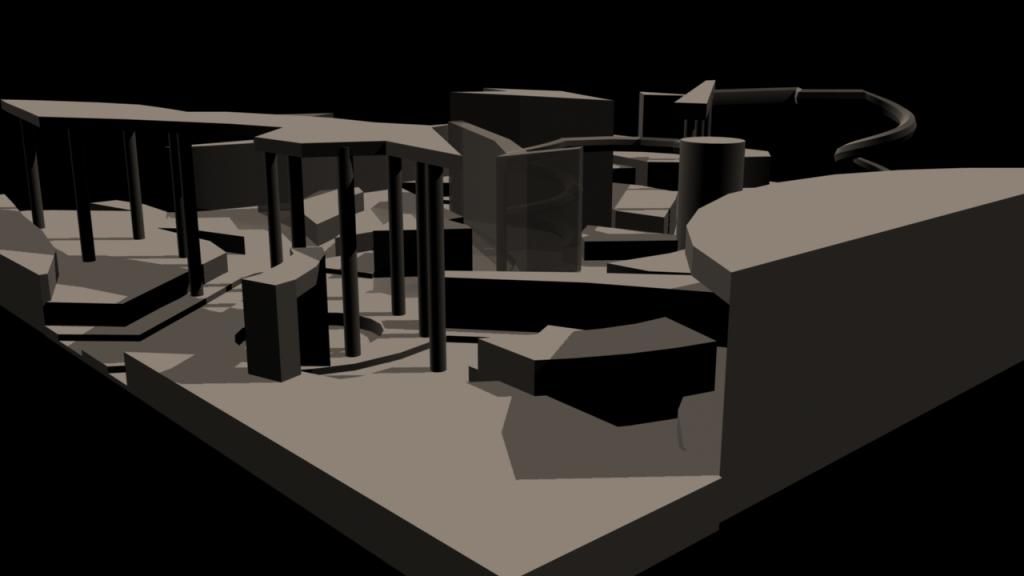
Now that I've got a test model for one of my ground plans I have set a camera up and moved it around the model to get some shots of it from different places. This should enable me to start giving each part of the model design a role in the garden such as path, flower bed, pagoda and seeing if the layout works.


Ground Plan Test Model

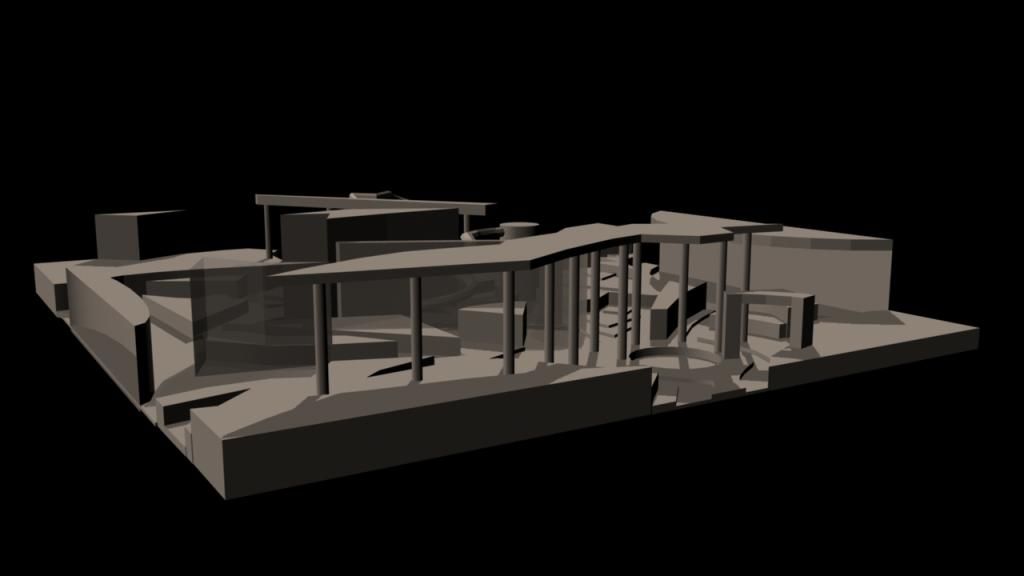
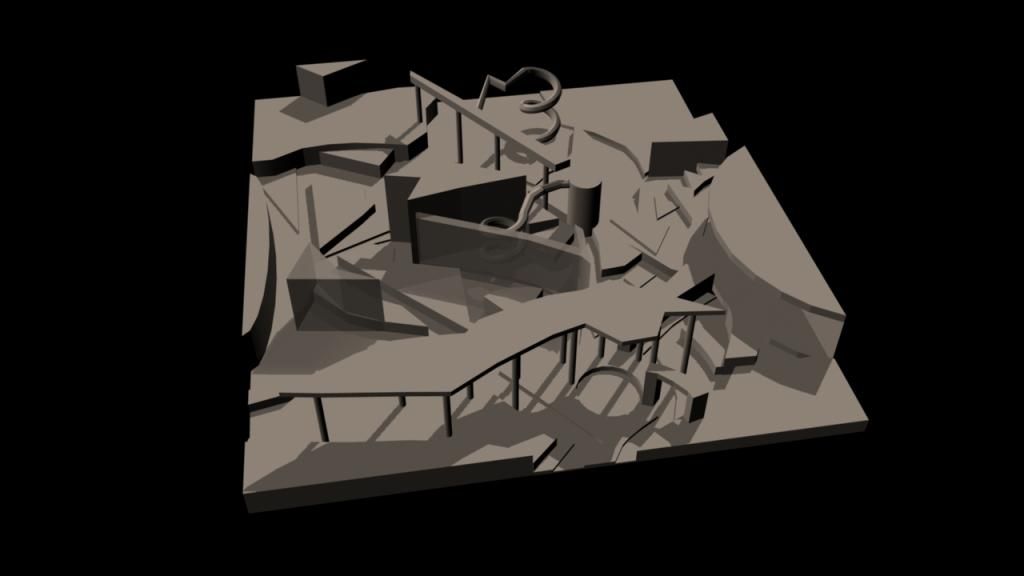
Once I had my level coded ground plan I took it into maya and extruded the shapes into layers to form this first 3D set of a possible blocked out version of my Futurists' garden.
I have dropped a couple of lights in and my next stage is to move a camera around and grab some renders to paint on top of in photoshop.


Garden Features/Accessories

As my next stage in designing is to produce eye level thumbnails I am going to need to include things typical of a garden as these will be key to showing it is still a garden even if they are designed to look very different. I did some research to compile a list of things which commonly feature in a garden whether it be a small family garden or an exhibition garden.

  • Trellis
  • Arbors/Pergolas
  • Statues/Sculpture
  • Water Fountains
  • Urns/Pots/Vases
  • Bird Baths, Feeders, Nest Boxes
  • Lanterns/Plant lights/Ground Lights/Oil Lamps
  • Decking/Patio
  • Gazebo
  • Paths
  • Columns
  • Tables and Chairs
  • Parasol
  • Bridges
  • Sundials
  • Windchimes
  • Weathervanes
  • Waterfalls
  • Feature Walls
  • Raised Beds
  • Plant Displays (Hanging Baskets)
  • Fences

Layer Colour Coded Ground Plans

To help me take my ground plans onto the next step which is to envision my garden from eye level instead of a flat birds eye view I took my ground plans and worked out layers building up my garden. I then colour coded them and started to use a key to label different aspects such as paths. However, I realised that with it still being flat and looked down on I couldn't label most of it just yet.

Now that I have these layer coded plans I can rough them out in maya and use renders from there to draw on top of.

Wednesday, 30 October 2013

Developed Futurist Colour Schemes

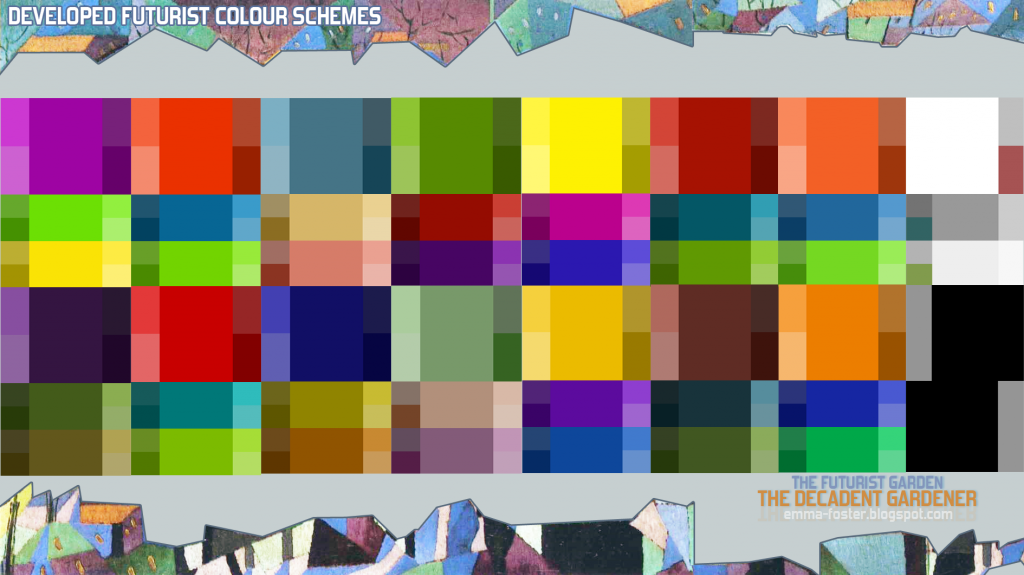
To help with the next stage of my work especially creating coloured thumbnails and concepts but also trying to keep to using colours that make sense in the world of Futurism for text and other branding elements for the project I have taken my previous research on Futurist colours into the 'Colour Scheme Designer' website.
Using the base colours I already had I created triadic colour palettes for each one as I had found out that triadic palettes were common of Futurism. I now have a much wider choice of shades/colours which I can eyedropper from and get corresponding theme colours from at the same time.
Tuesday, 29 October 2013

Linear Workflow

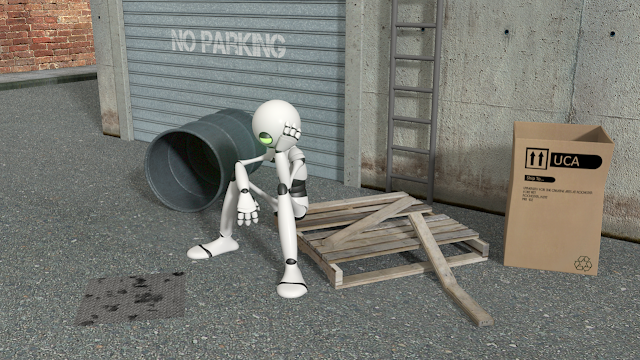
During the maya lesson we learnt how we could improve our renders through linear workflow. This was quite a lot to take in but I think I have managed to understand it.

Finished result
 

Process: